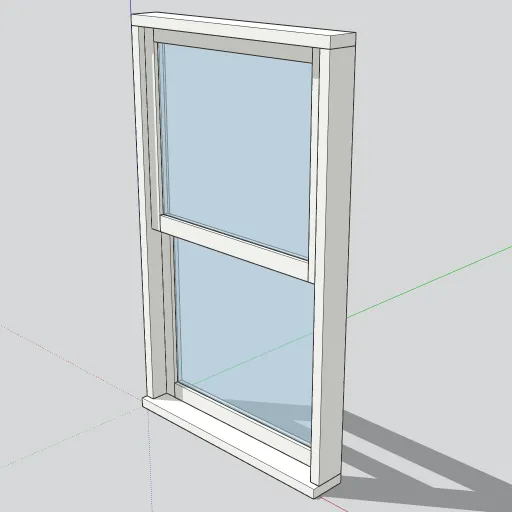
Free SketchUp Model: Double-Hung Window 36 × 60
A free 36 × 60 in double-hung window component for SketchUp, with two sliding sashes, clear glass and a sill. Download the .skp or open it on 3D Warehouse.
03. Page 3 of 4
A free 36 × 60 in double-hung window component for SketchUp, with two sliding sashes, clear glass and a sill. Download the .skp or open it on 3D Warehouse.

Model terrain with SketchUp's Sandbox tools: build a TIN from contours or from scratch, sculpt it with Smoove, then stamp a flat building pad step by step.

Learn to manage SketchUp extensions with Extension Manager: update, disable or uninstall them, find the Plugins folder and fix load errors.
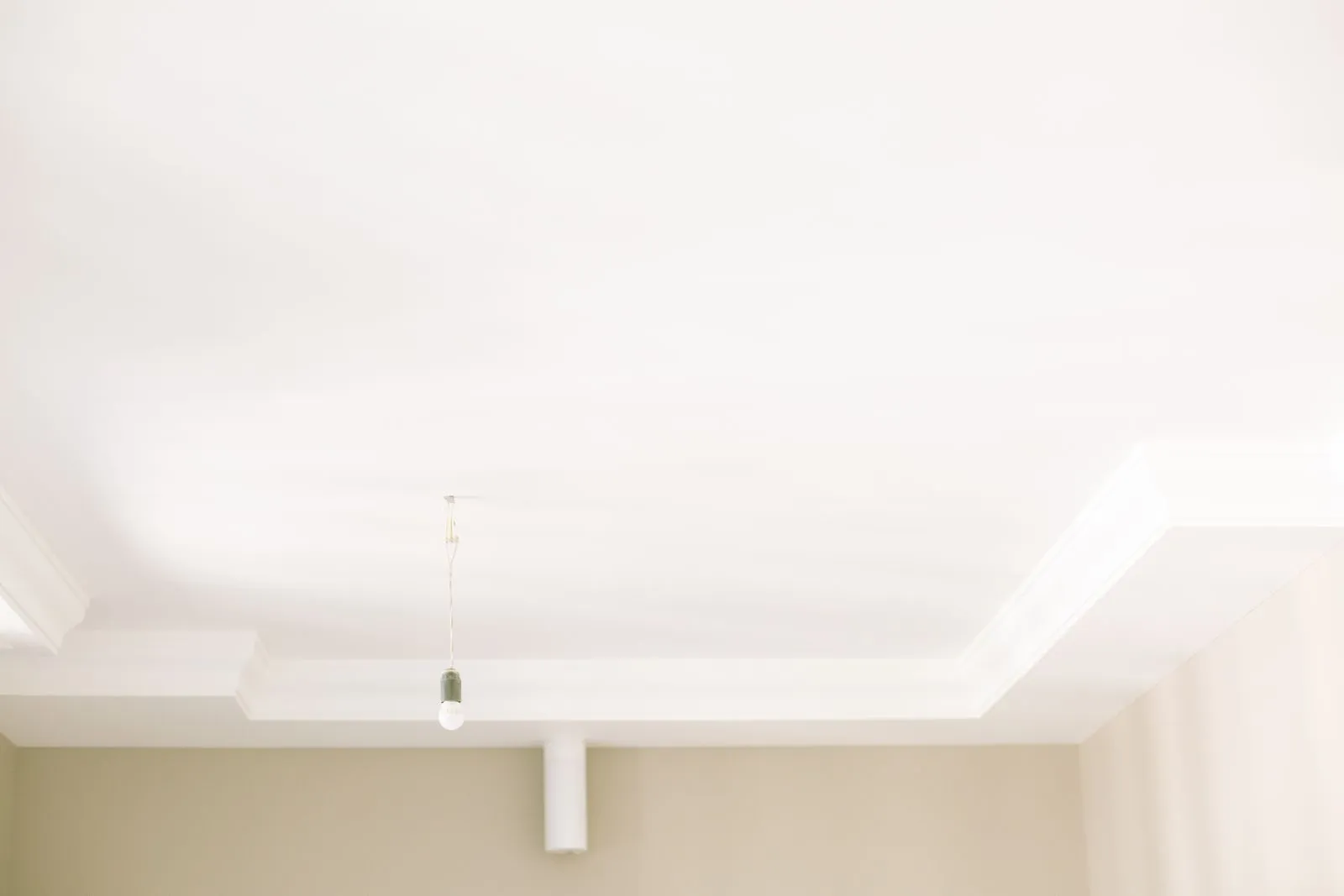
Learn the SketchUp Follow Me tool step by step: model crown molding, pipes and lathed shapes like vases, and fix faceted curves and failed extrusions.

SketchUp 2026.2 lets Migrate Extensions run without a restart. Here is how to move extensions, preferences, materials and templates to a new version.
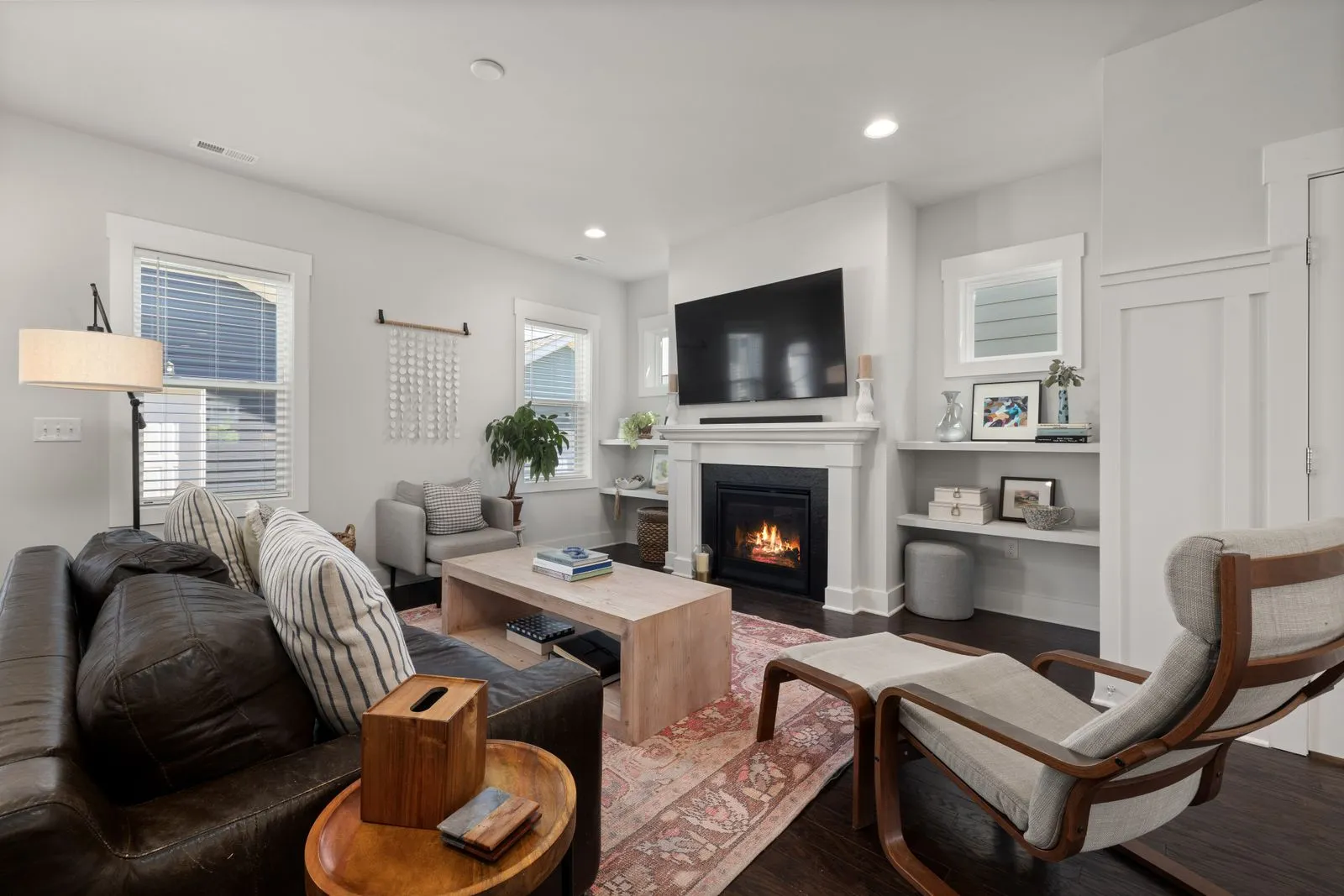
Learn when to use each V-Ray for SketchUp light: Sun, Dome with HDRI, IES, Rectangle and Mesh lights, plus how to fix overexposed, washed-out renders.

The default SketchUp keyboard shortcuts worth memorizing, plus step-by-step instructions for creating your own shortcuts on Windows and Mac.

Learn how to get a SketchUp model into Revit: import vs link, SKP vs IFC vs DWG, what survives, clean-up steps, and when to rebuild natively.
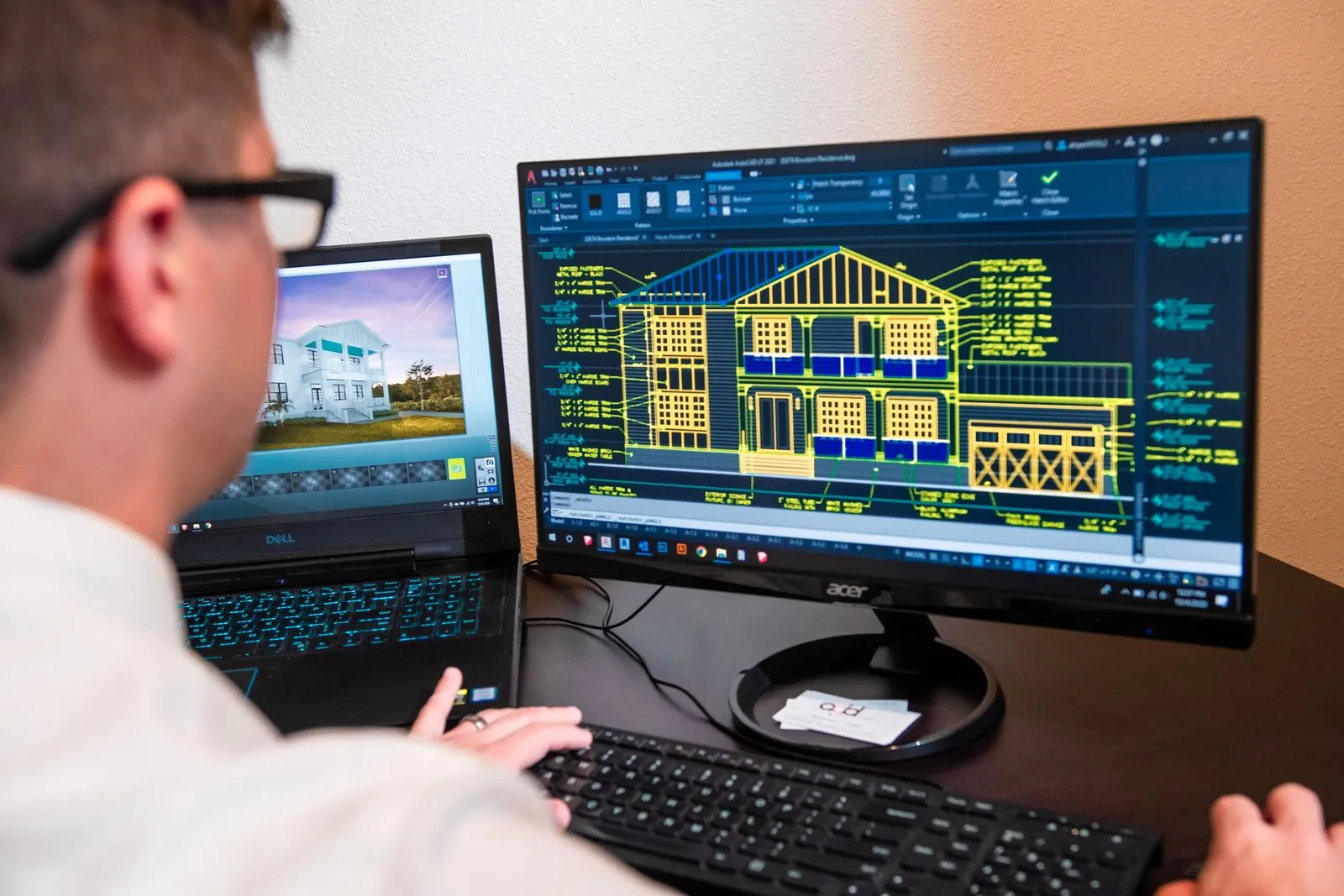
How to set up Lumion LiveSync with SketchUp: supported versions, install steps, what syncs, reconnecting saved projects, and fixes for common problems.

SketchUp 2026.2 adds the Analysis Hub with Advanced Shadows, faster shadows, a new default LayOut graphics engine and clipping masks. Here is what to know.
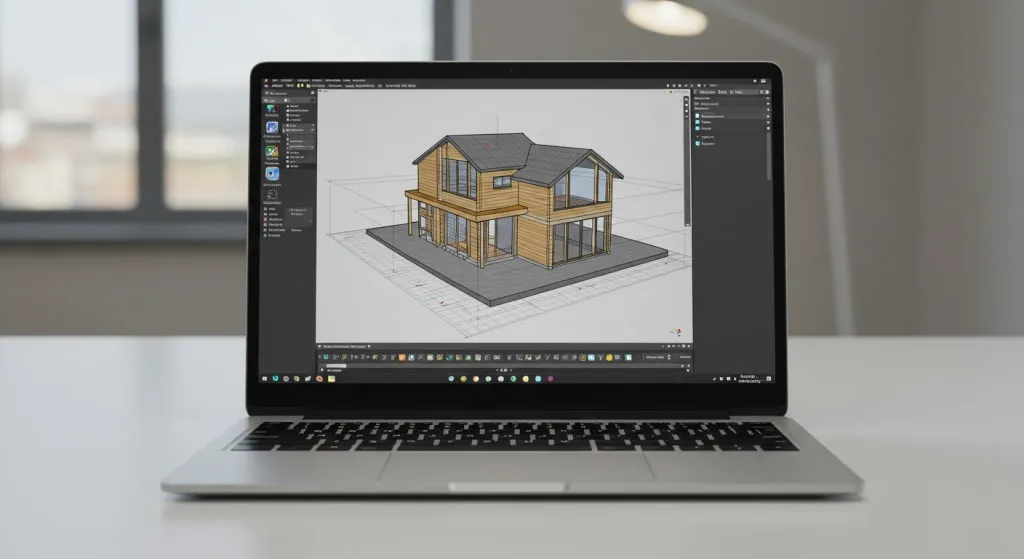
New to SketchUp? Learn the 10 essential tools, their default keyboard shortcuts, and a mini practice project that puts them together in about 20 minutes.

Groups and components both keep SketchUp geometry from sticking together, but they behave very differently. Here's when to use each and the mistakes to avoid.