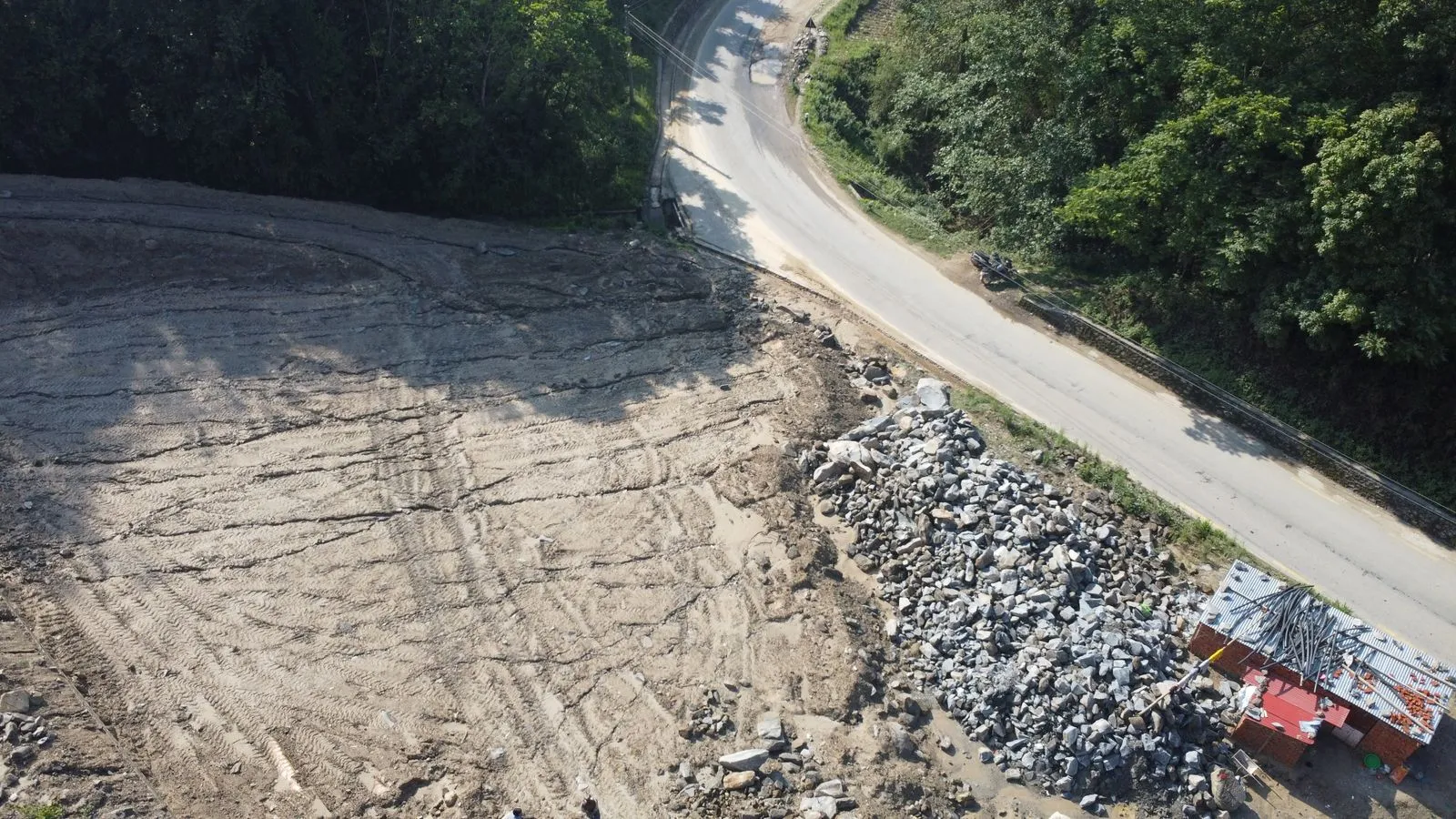
SketchUp Sandbox Terrain: Contours, Scratch and Stamping a Pad
Model terrain with SketchUp's Sandbox tools: build a TIN from contours or from scratch, sculpt it with Smoove, then stamp a flat building pad step by step.
01. Topic · 7 articles
Step-by-step SketchUp modeling techniques for beginners and pros.
Model terrain with SketchUp's Sandbox tools: build a TIN from contours or from scratch, sculpt it with Smoove, then stamp a flat building pad step by step.

Learn the SketchUp Follow Me tool step by step: model crown molding, pipes and lathed shapes like vases, and fix faceted curves and failed extrusions.

The default SketchUp keyboard shortcuts worth memorizing, plus step-by-step instructions for creating your own shortcuts on Windows and Mac.
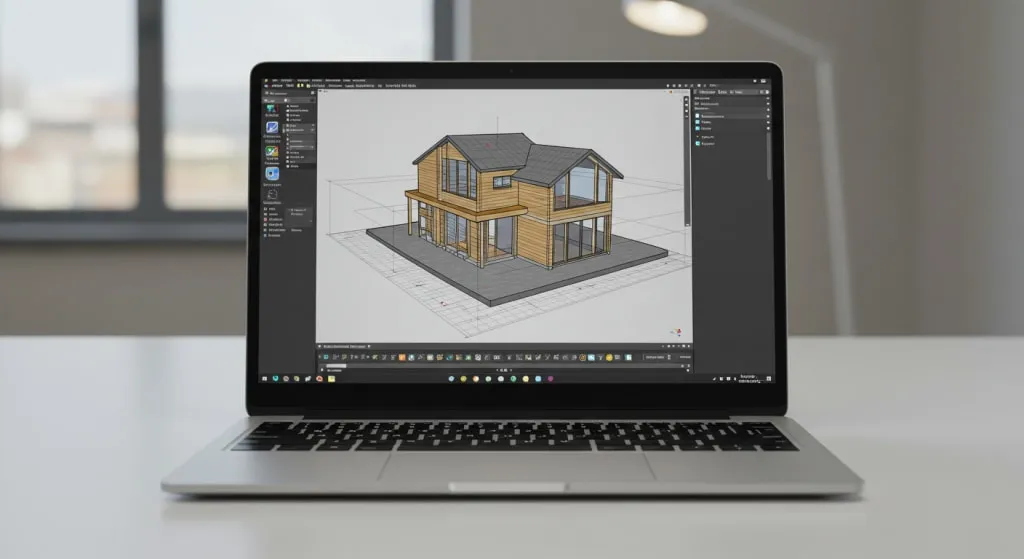
New to SketchUp? Learn the 10 essential tools, their default keyboard shortcuts, and a mini practice project that puts them together in about 20 minutes.
Groups and components both keep SketchUp geometry from sticking together, but they behave very differently. Here's when to use each and the mistakes to avoid.

3D Warehouse has millions of free SketchUp models, but quality varies. How to find good ones, download them properly and keep them from slowing your model down.
A slow SketchUp model is almost always fixable. Twelve practical ways to cut file size, reduce lag when orbiting and keep large projects responsive.
→. Index
Reviews and roundups of the best SketchUp extensions.
1 article
Photorealistic rendering with V-Ray, Enscape, D5, Twinmotion and more.
3 articles
SketchUp for architecture, interiors, woodworking, landscape and 3D printing.
2 articles
Computers, GPUs, mice and peripherals for smooth SketchUp performance.
SketchUp releases, Trimble announcements and industry updates.
8 articles